
Command and exercise control
HAWK 2D and 3D Command and Exercise-Control System
Give commanders, instructors and exercise staff a shared interface for viewing the synthetic environment, controlling activity and maintaining a coherent operational picture.
From scenario to shared picture
Control the exercise without losing sight of the training aim
HAWK brings simulation data, command interaction and instructor control into a large-format interface designed around collective training.
Shared operational view
Present simulation activity through clear 2D and 3D views so command and training staff work from the same picture.
Real-time exercise control
Observe the simulated environment, apply authorised controls and adjust scenario activity as the exercise develops.
Collaborative planning
Support scenario preparation, terrain review and command discussion through an accessible multi-user interface.
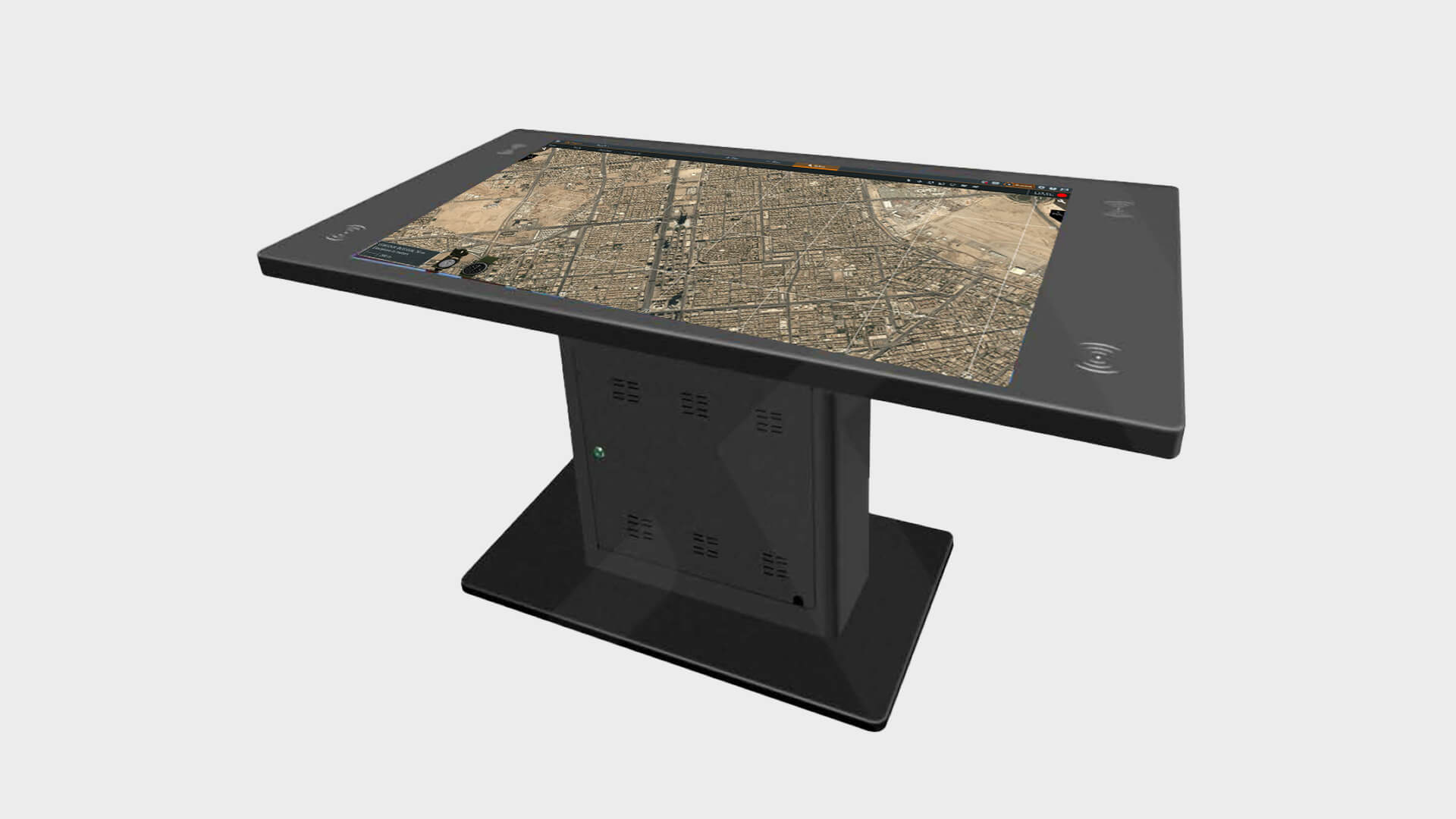
Purpose-built interface
A command surface designed for synthetic training
HAWK combines a 65-inch 4K touchscreen with a Windows-based control computer, wired and wireless connectivity and an ergonomic integrated stand.
The platform can be supplied with Virtual Battlespace 4 pre-installed and configured to interface with BattleVR and other elements of the synthetic training environment.
- Toughened, high-contrast touchscreen display
- Dedicated processing and graphics hardware
- Wireless keyboard, mouse and device charging
- HDMI, Ethernet, Wi-Fi, Bluetooth and USB connectivity
- Optional VBS4 installation and scenario support
Operational workflow
A clear route from preparation to after-action review
1. Prepare
Select terrain, assets, objectives and the information instructors need to control.
2. Configure
Connect the relevant simulation feeds and establish authorised controls.
3. Control
Monitor the shared picture and manage scenario progression during the exercise.
4. Review
Use the exercise record and observations to support debrief and future planning.
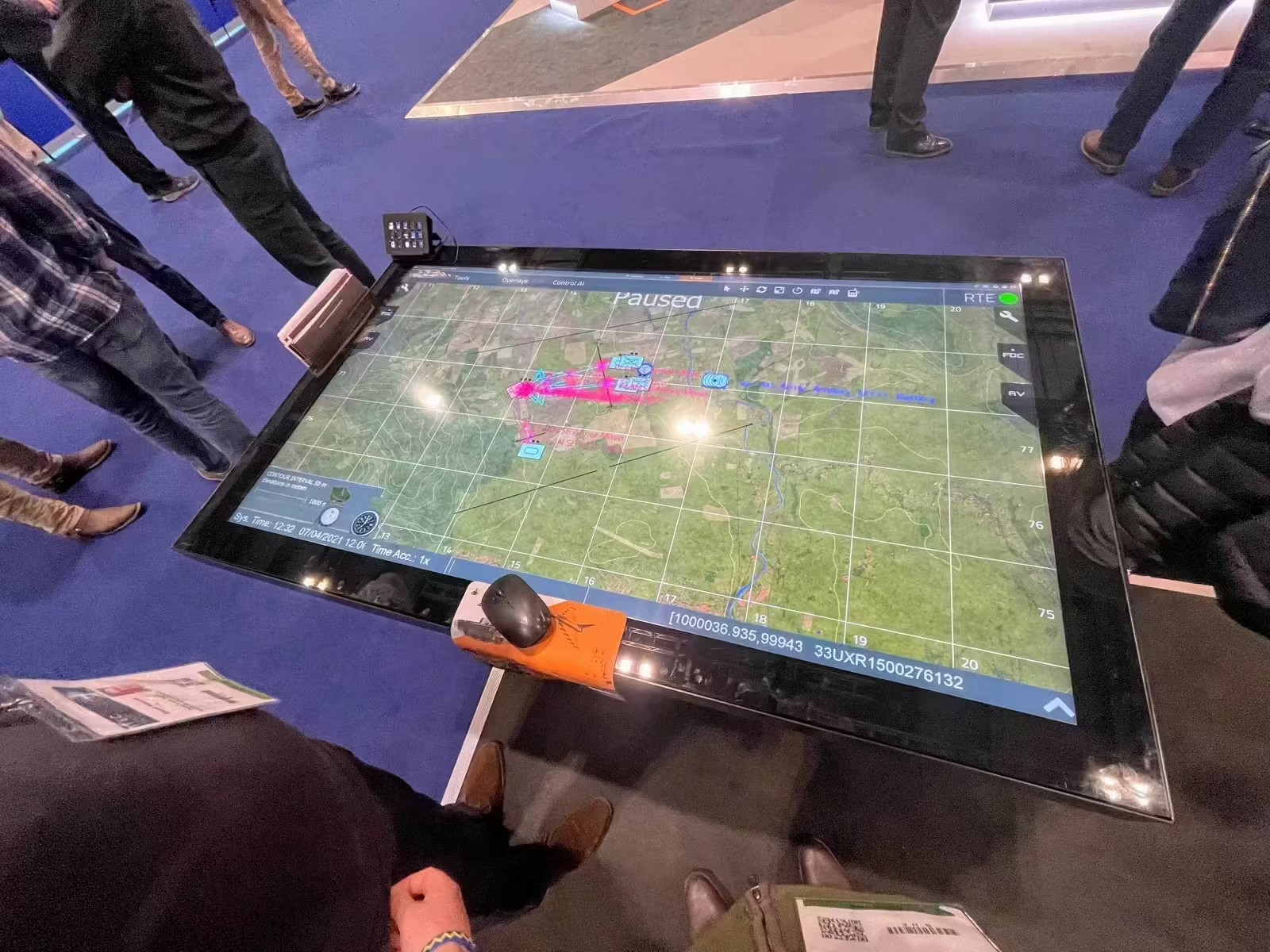
Demonstrated in use
A large-format interface for shared exercise control
This HAWK system is shown operating as a large-format command and exercise-control interface during a live demonstration.
The touchscreen format gives instructors, planners and command staff a shared surface for reviewing terrain, monitoring activity and discussing changes to the exercise picture.
Deployment and integration
Configure HAWK around the exercise environment
HAWK can operate as a dedicated command interface or as part of a wider Agincourt training architecture. Integration planning covers simulation platforms, network constraints, room layout, user roles and the information required for review.
The aim is not to add another isolated display. It is to give the training organisation a usable point of control linked to its scenario and instructor workflow.
Discuss your command and exercise-control requirement
Bring us the simulation environment, exercise structure, facilities and integration constraints. We will demonstrate how HAWK can be configured around them.